PixelWise
A downloadable tool for macOS
# Pixelwise
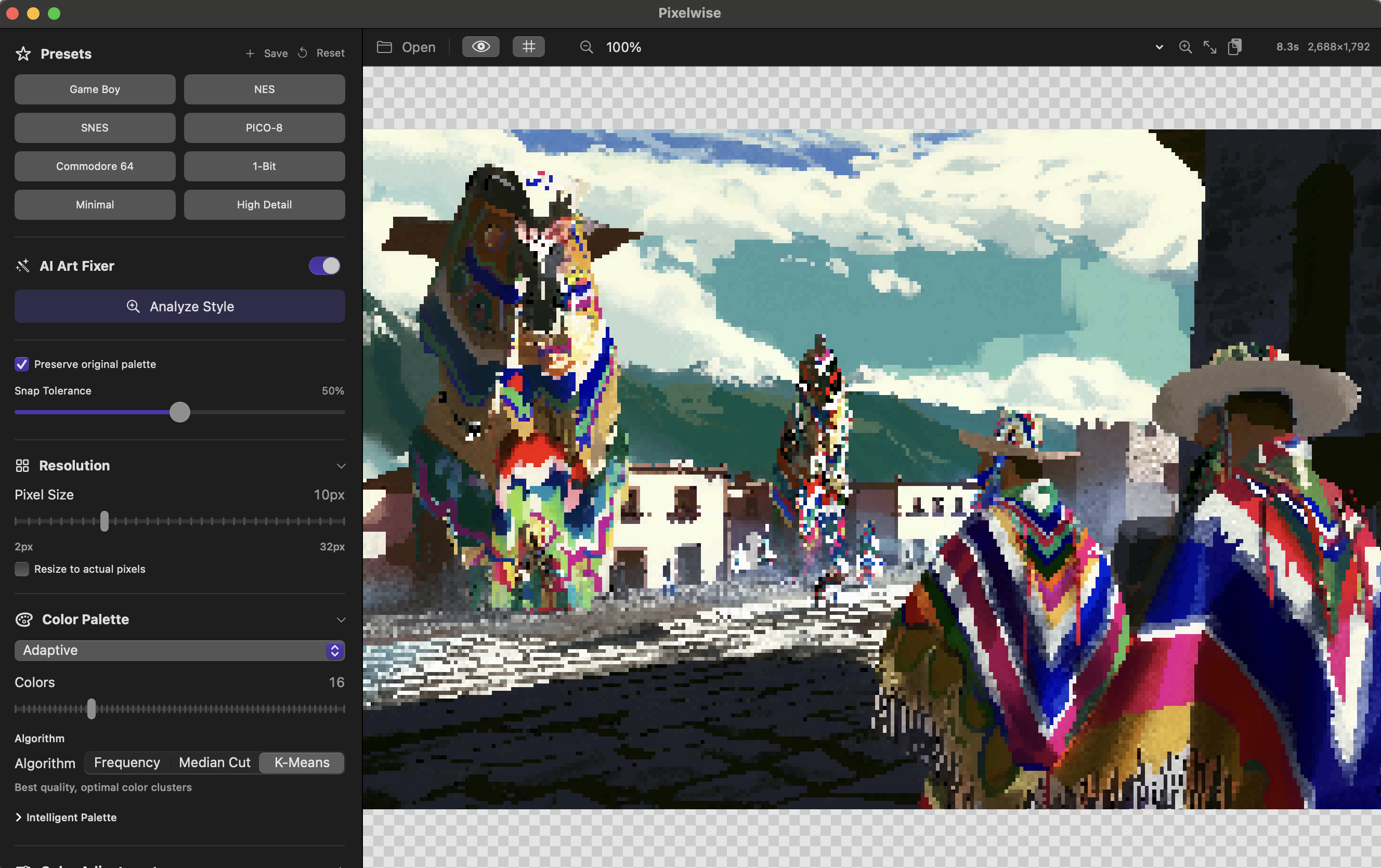
Transform any image or video into stunning pixel art.
## Features
**Image Conversion**
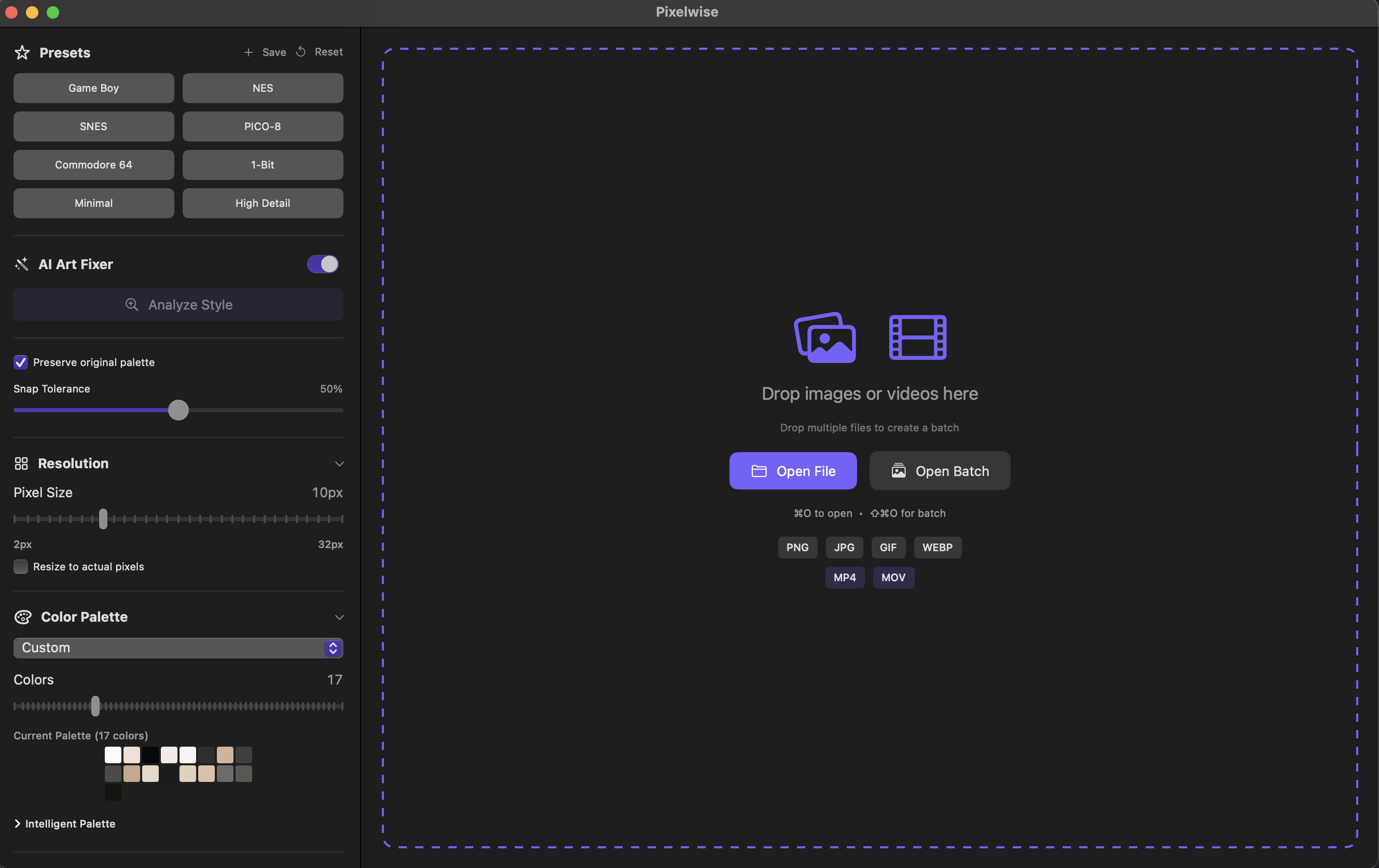
- Adjustable pixel size (2-32px)
- Real-time preview
- Supports PNG, JPG, GIF, HEIC, and more
**Retro Palettes**
- Game Boy, NES, PICO-8, C64, and more
- Adaptive palette extraction
- Custom palettes up to 64 colors
**Advanced Dithering**
- Floyd-Steinberg error diffusion
- Ordered Bayer dithering
- Blue Noise dithering
**Video to GIF**
- Convert videos to pixel art animations
- Temporal coherence reduces flickering
- Export as GIF or APNG
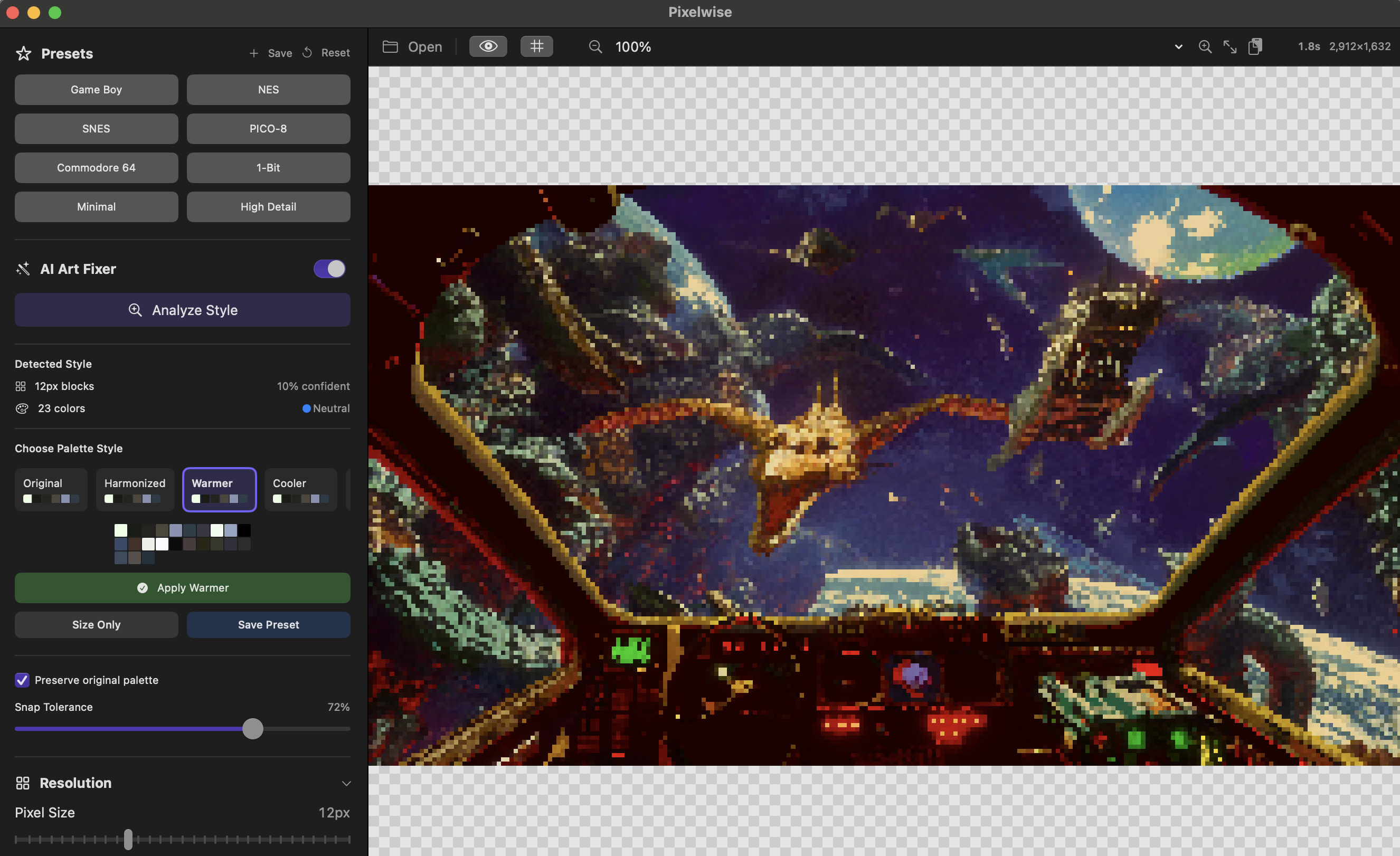
**AI Art Fixer**
- Clean up AI-generated pixel art
- Automatic grid detection
- Color palette cleanup
## System Requirements
- macOS 13.0 or later
- Apple Silicon or Intel Mac
## Installation
1. Download and unzip
2. Drag Pixelwise to Applications
3. Right-click → Open (first time only, to bypass Gatekeeper)
## Keyboard Shortcuts
- ⌘O - Open file
- ⌘E - Export
- ⌘C - Copy to clipboard
- ⌘G - Toggle pixel grid
- Space - Toggle original view
Purchase
In order to download this tool you must purchase it at or above the minimum price of $5 USD. You will get access to the following files:
Leave a comment
Log in with itch.io to leave a comment.